Connecting to Radios
Greyline FT8 does not use CAT/CI-V control or send any serial commands. You must set your radio to the right frequency and mode, and enable the transciever's VOX on the input you connect your Apple device to. It can be helpful to define memory slots on your transciever for each band you wish to operate on. The app also provides helpful reminders while you are operating.
The lack of serial control is an iOS limitation, not a design choice in the app.
For more detailed user instructions, please refer to the User Guide.
- Make sure to enable VOX on the radio for Greyline FT8 to work properly. You may have to adjust your VOX delay and VOX gain settings as well as the output volume on your Apple device for activation to work properly.
- To avoid overdriving, connect your audio interface to your Apple device, turn the device's volume all the way down, and use the Tuning view in the app to gradually increase the input gain until the radio's VOX opens. You can use a combination of the device volume controls and this gain control to get the ideal balance.
- 💡 Helpful tip: use your ALC meter to determine if your input gain is too high. You want it in the upper 25% when transmitting.
- To avoid overwhelming the Apple device's input, set your transciever's AF gain to the lowest level possible for Greyline FT8's waterfall to start displaying signals. Slight increases to the AF gain may improve signal readability, but too much AF gain will cause distortion and difficulty decoding.
- Note that you may have to disable Reduce Loud Audio in your iOS settings to ensure proper audio levels for Greyline FT8. This can be found at Settings > Sounds & Haptics > Headphone Safety.
- Below are some popular field radios that have been tested with the app and how you can connect them. This list is not complete and many, many other radios will work just great!
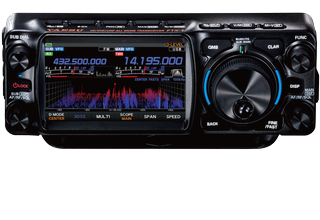
Fully supported on Apple devices with a USB-C port. Use a direct USB-C to USB-C cable. If your Apple device has a Lightning port, you may need to use a Lightning → TRRS adapter, and build a cable that supports the 6-pin modular microphone and standard 3.5mm headphone jack. Set VOX source to DATA and enable VOX.
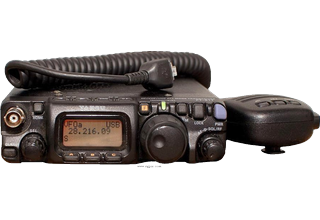
This radio does not support VOX activation over the data line, and the audio line requires a complex adapter to be constructed. Workarounds may be possible, but have not been tested, and so this radio is not recommended.
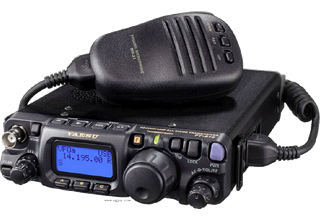
Fully supported, using a Digirig or other audio interface. Connect the Digirig to your device, and the radio's mic/speaker line to the Digirig using the appropriate cable.. Do not connect the Serial line if your interface has one.
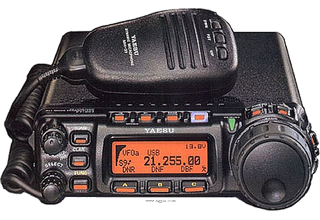
Fully supported, using a Digirig or other audio interface. Connect the Digirig to your device, and the radio's mic/speaker line to the Digirig using the appropriate cable.. Do not connect the Serial line if your interface has one.
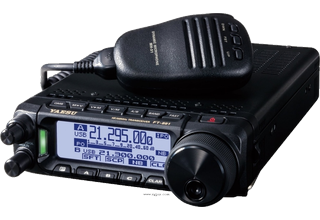
Fully supported, using a Digirig or other audio interface. Connect the Digirig to your device, and the radio's data port to the Digirig using the appropriate cable.. Do not connect the Serial line if your interface has one.
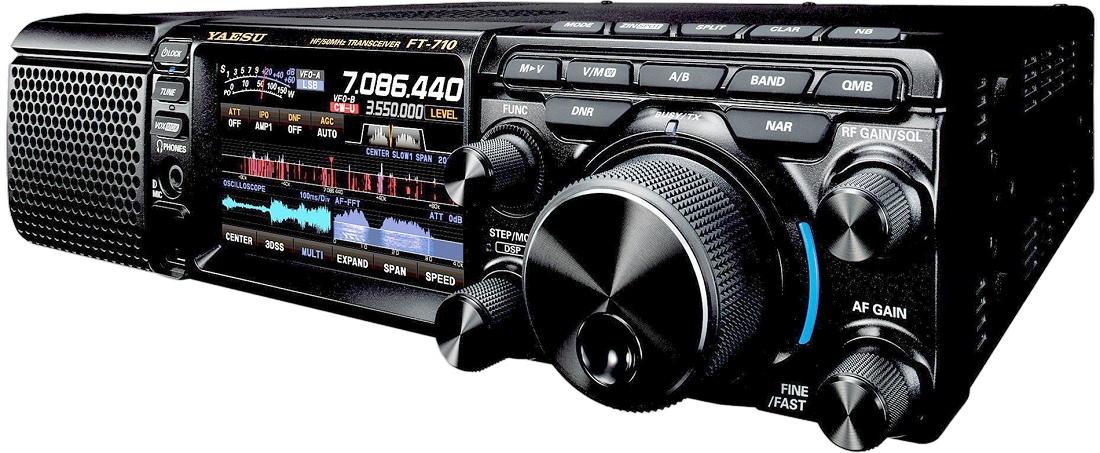
Fully supported on Apple devices with a USB-C port. Use a direct USB-A to USB-C cable. If your Apple device has a Lightning port, you may need to use a Lightning adapter. Configure the DATA-U preset to on, set Menu > TX General > VOX Select to usb, set Menu > VOX Gain to 50, VOX Delay to 100ms, and Anti-Vox to 0.
Fully supported on Apple devices with a USB-C port. Use a direct USB-C to USB-C cable. If your Apple device has a Lightning port, you may need to use a Lightning → TRRS adapter, and build a cable that supports the 6-pin modular microphone and standard 3.5mm headphone jack. Set VOX source to DATA and enable VOX.
The IC-705 has many unique requirements. I've designed a cable that works for it, but am no cable engineer. If you want IC-705 support, please leave a comment on this forum thread and Digirig will build one for us!
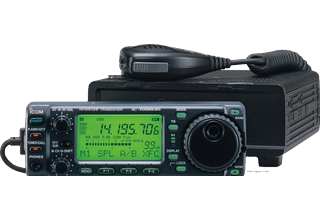
Fully supported, using a Digirig or other audio interface. Connect the Digirig to your device, and the radio's data port to the Digirig using the appropriate cable.. Do not connect the Serial line if your interface has one.
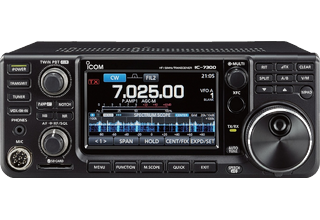
Fully supported, when using a USB-C or Lightning → TRRS adapter or a Digirig and the cable kit specified for the IC-706. Note that the Digirig option is much preferred for this radio. Icom does not support VOX over the USB connection on this radio, so a direct USB interface will not work properly. Also, if using an audio interface cable, be sure to set the radio to USB (Upper Sideband) and not USB-D. VOX is not supported in DATA modes.
To get the best ALC readings, adjust the ACC Mod setting on the radio and the app's Drive slider, found beside the waterfall and on the Tune screen. Your Apple device volume applies on top of Drive, so use Drive for the fine adjustment. See Setting your transmit drive for details.
Recommended starting points, both under Menu > Set > Connectors:
- ACC/USB AF Output Level: 35%
- ACC MOD Level and USB MOD Level: 50%
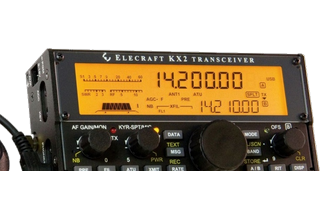
Fully supported, when using a USB-C or Lightning → TRRS adapter and a splitter to 3.5mm TRS for Microphone and Headphones. You can also use a Digirig or other audio interface. Do not connect the Serial line if your interface has one. I have noticed that the KX-line can be touchy if you connect the audio cables too early. It's best to power off the radio, connect the USB-C cable to your phone, start the app, connect the audio cables to the transciever and power it on. This reliably establishes a connection between the phone and transciever.
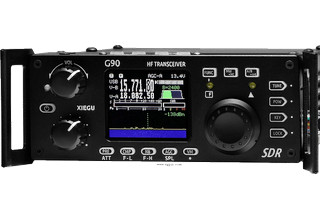
Fully supported, using a Digirig Lite (not the Digirig Mobile). The G90 lacks VOX activation over its audio line, and the Digirig Lite adds this missing functionality via its PTT interface. Do not connect the Serial line.
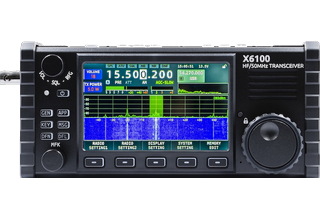
Fully supported, using a Digirig Lite (not the Digirig Mobile). The X6100 lacks VOX activation over its audio line, and the Digirig Lite adds this missing functionality via its PTT interface. Do not connect the Serial line.
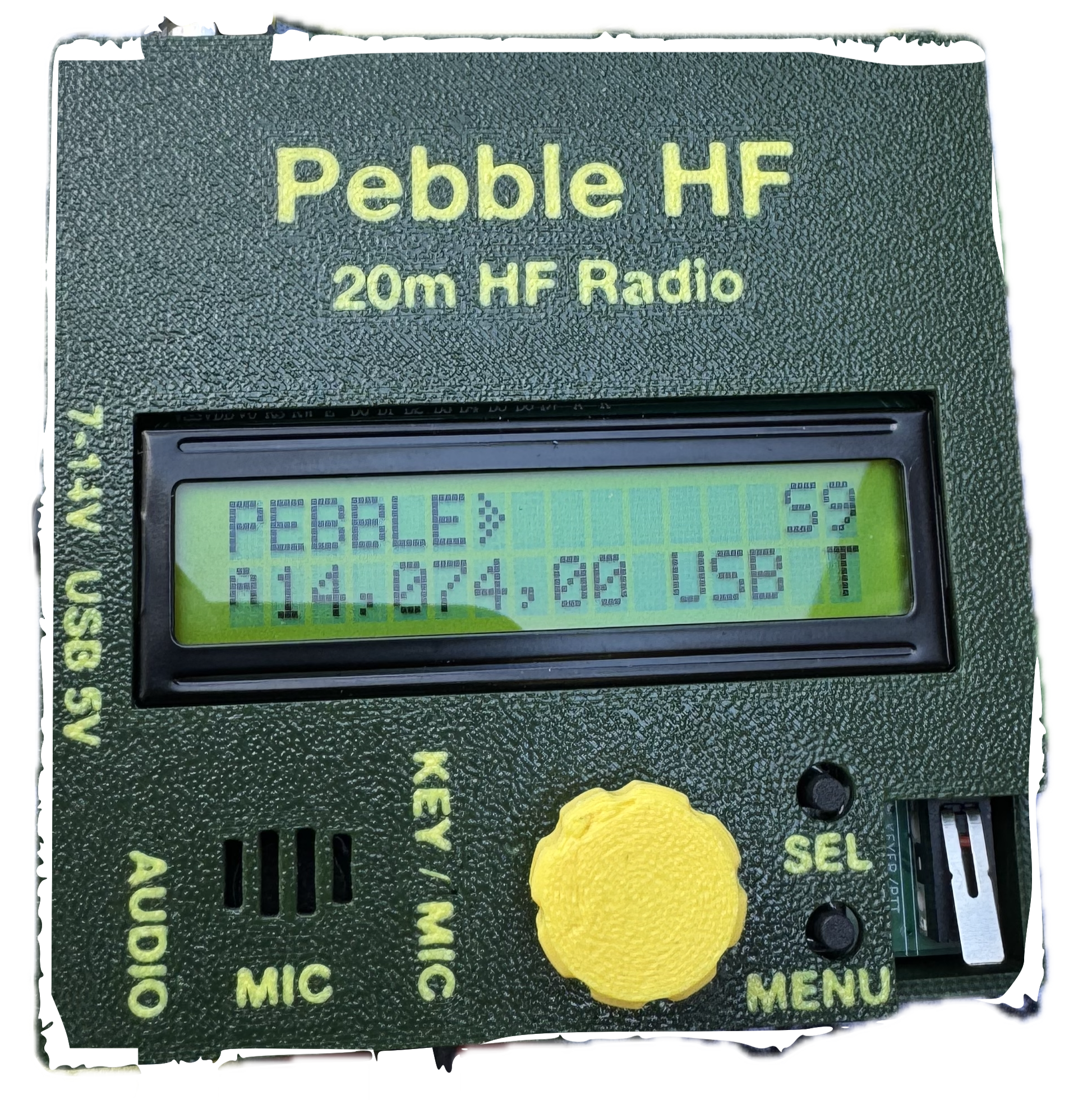
Fully supported, using a Digirig or other audio interface. Connect the Digirig to your device, and the radio's mic/speaker line to the Digirig using the appropriate cable.. Do not connect the Serial line if your interface has one.
Fully supported, using a Digirig or other audio interface. Connect the Digirig to your device, and the radio's mic/speaker line to the Digirig using the appropriate cable.. Do not connect the Serial line if your interface has one.
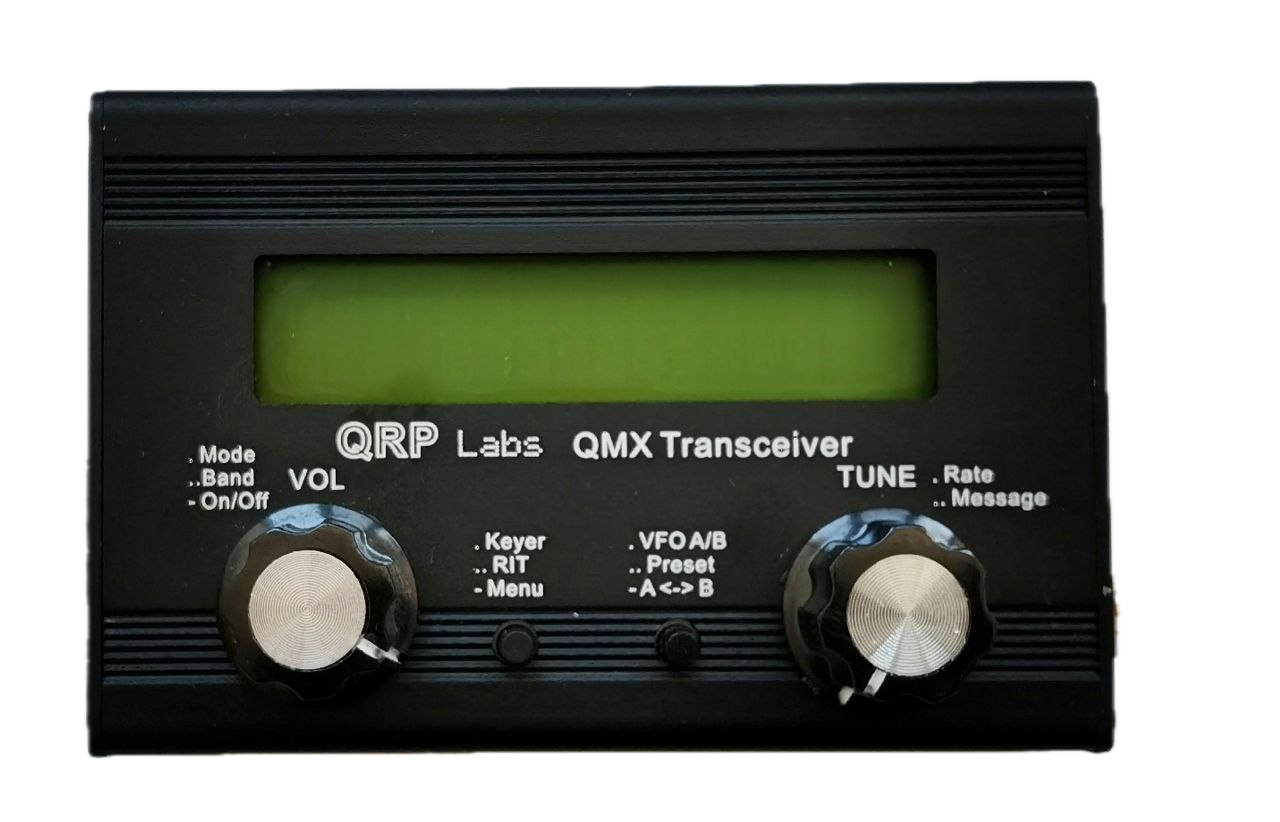
Fully supported using a direct USB-C connection. The QMX has a built-in USB sound card, so no additional audio interface is required. Use a USB-C to USB-C cable, or a Lightning to USB-C adapter for older Apple devices.
A Note on Wiring
When using the direct audio connections, always connect the Microphone port on your radio to the Headphone input on your Apple device, and the Headphone port on your radio to the Microphone input on your Apple device. Sounds backwards, but you want output ↔ input.
Example Connection Gear
These are examples of connectors you can purchase from reputable retailers that will help get you started. Some of these are Amazon affiliate links and Greyline FT8 may receive a small commission on them at no additional cost to you.
- USB-C to 3.5mm TRRS Adapter — for connecting newer iPhones/iPads directly to a radio's combined headset jack.
- Lightning to 3.5mm Headphone Jack Adapter (Apple) — for connecting Lightning-equipped iPhones/iPads to a TRRS audio cable.
- 3.5mm TRRS Extension Cable — Moves your Apple device a comfortable distance from the radio.
- 3.5mm TRRS to Dual 3.5mm TRS Splitter (Mic + Headphone) — splits a single TRRS connection into separate microphone and headphone jacks.
- 3.5mm to 2.5mm TRS Adapter — for radios with a 2.5mm microphone jack
- Digirig Mobile Interface — the gold standard USB sound card and PTT interface. Be sure you also have the correct cables to hook your rig to the interface.
- Digirig Lite Interface — Digirig Mobile's simpler cousin. The same gold standard USB sound card, but smaller, cheaper, and without the serial interface (which Greyline FT8 does not use anyway). The advantage to the Lite model is that it adds its own VOX circuit, so if your radio does not support VOX this is your best option. Be sure you also have the correct cables to hook your rig to the interface.
Digirig Cable Configurator - use this site to make sure you have the right cables for your Digirig.